NO SUBSCRIPTION

Credits never expire. Pay once for the assets you need. Failed generations cost nothing.Failed = refunded

See prices

Roblox thumbnail maker

A thumbnail is the only thing a player sees before deciding to click. Describe the game and get a 1920 by 1080 image built around one clear subject, plus a matching square icon.

Credit packs from $4.99 · pay once, no subscription · credits never expire

Judge it at card size

Nobody sees your thumbnail at 1920 pixels wide. They see it as a small card between dozens of others. Below, every thumbnail we generated sits in a row at about the size a Discover card has on a laptop. If the subject is still readable here, it will earn its click.

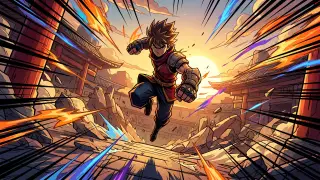
Fighting thumbnail at card size
Fighting
RNG thumbnail at card size
RNG
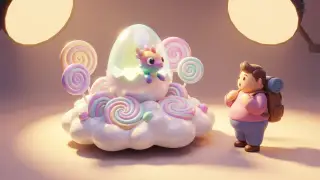
Simulator thumbnail at card size
Simulator
Roleplay thumbnail at card size
Roleplay
Tower defense thumbnail at card size
Tower defense
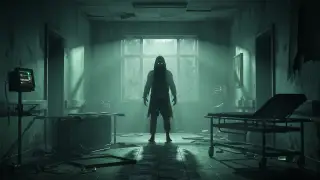
Horror thumbnail at card size
Horror
Tycoon thumbnail at card size
Tycoon
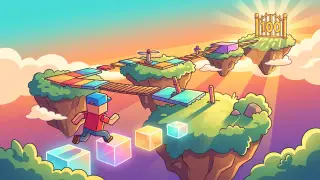
Obby thumbnail at card size
Obby

Keep a band clear for the title

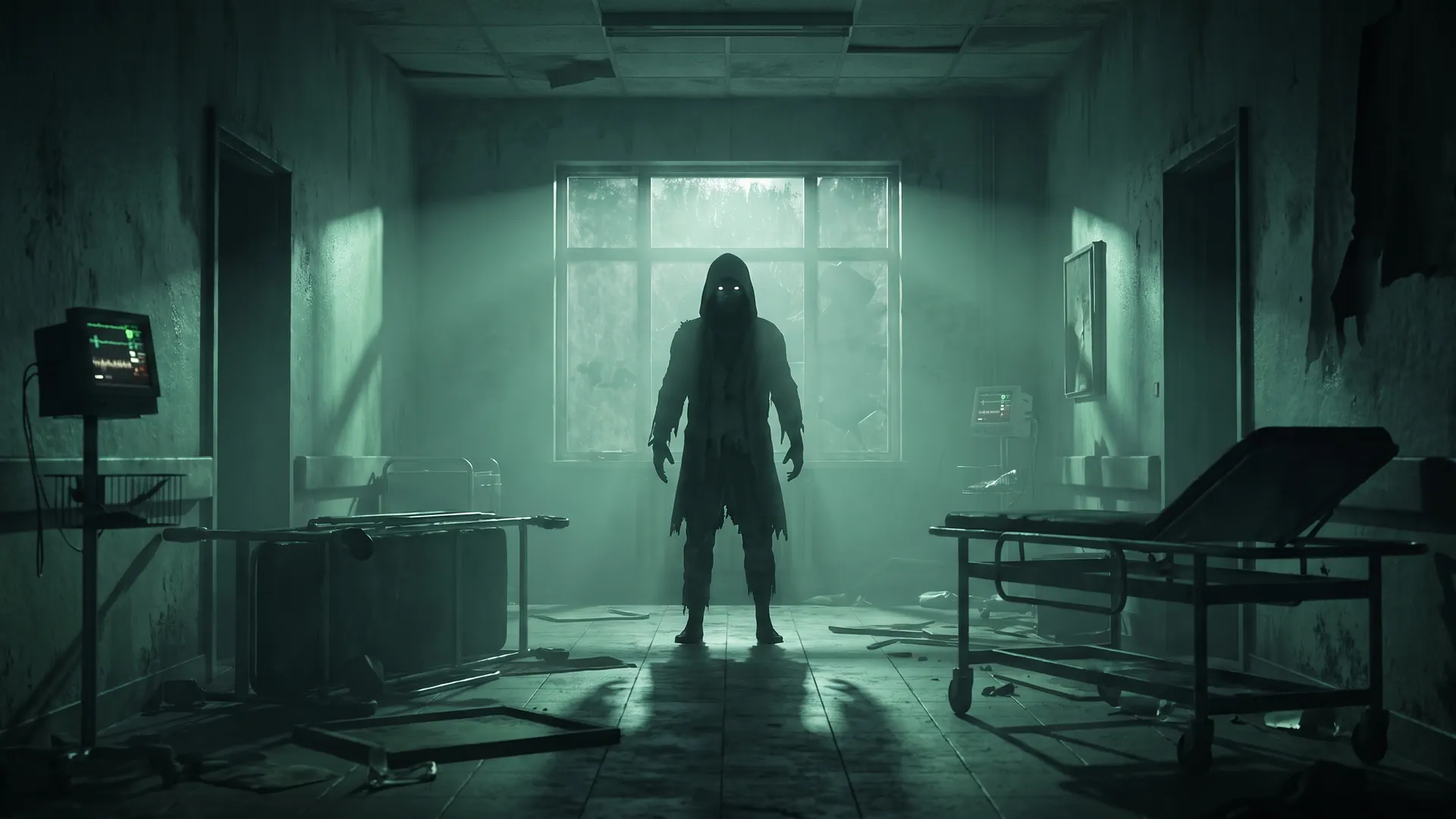
The images we make contain no lettering. That is deliberate, and it means the top of the frame needs to stay calm enough for you to set a title there. The dashed band marks where we would put it: the example has dark, empty wall in that spot, which is what a good composition leaves you.

Thumbnail for a survive-the-night horror game in an abandoned hospital with the title band marked

Render or cartoon

The style note decides most of the look. A render reads as a lit 3D scene with depth; a cartoon reads as an illustration with a bold outline. Same engine, same price, a different note in the prompt.

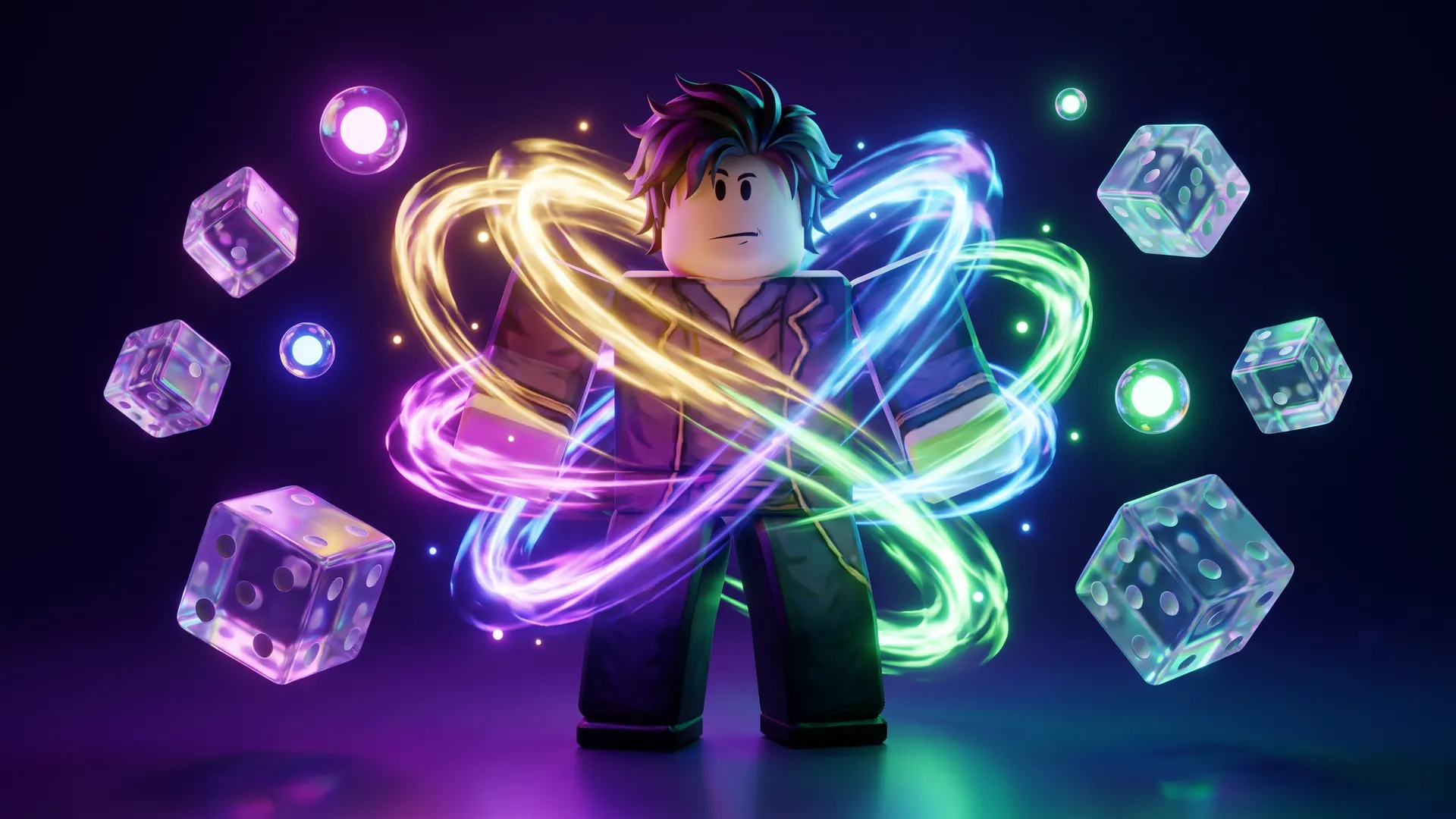
render example: an aura rolling RNG game with glowing rarity auras
Render: an aura rolling RNG game with glowing rarity auras
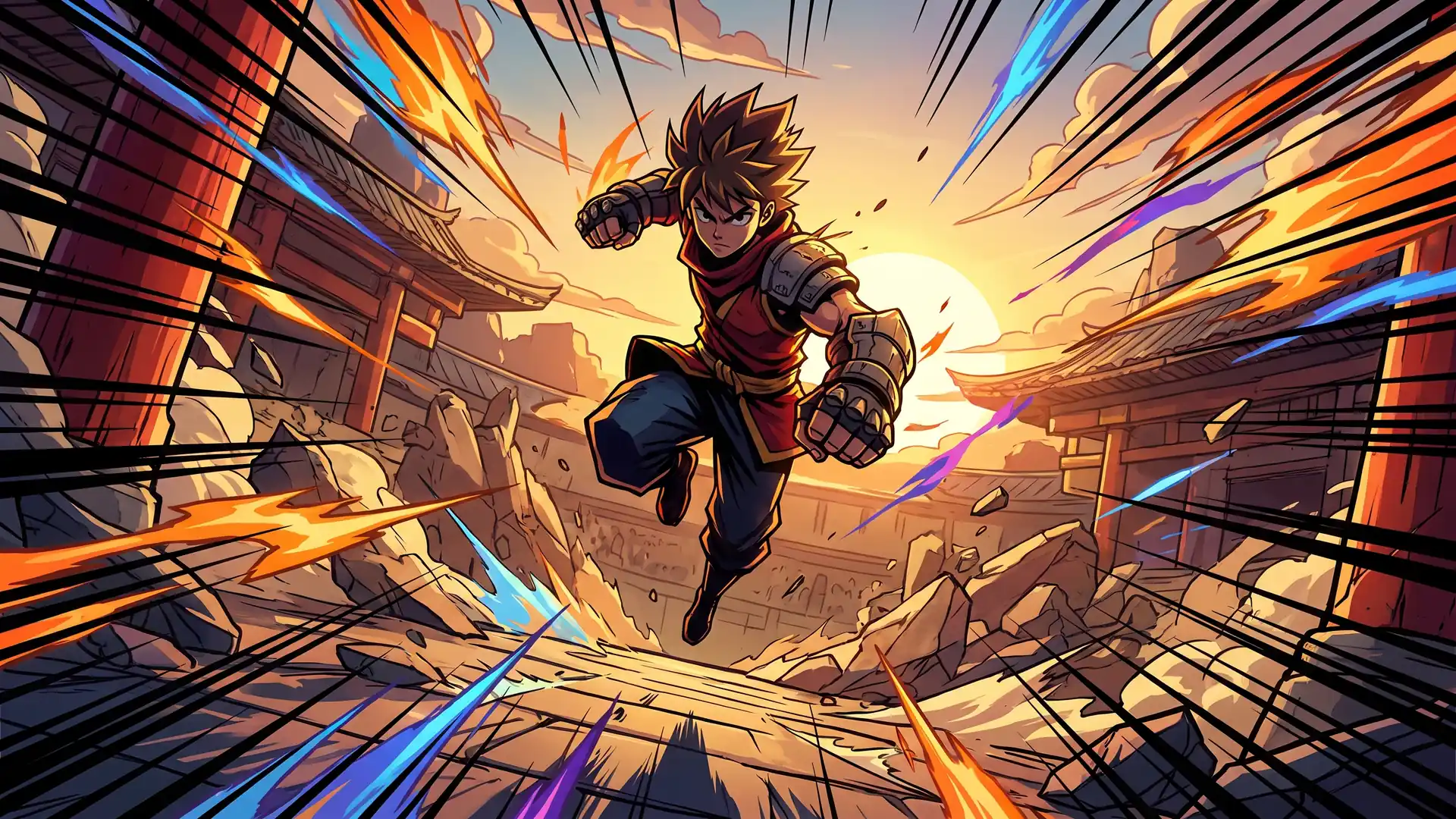
cartoon example: an anime-style fighting arena
Cartoon: an anime-style fighting arena

8 thumbnails and icons we generated

Real runs, one per genre, kept as they came out. Each card shows the thumbnail and the square icon generated for the same game, run on 2026-10-19.

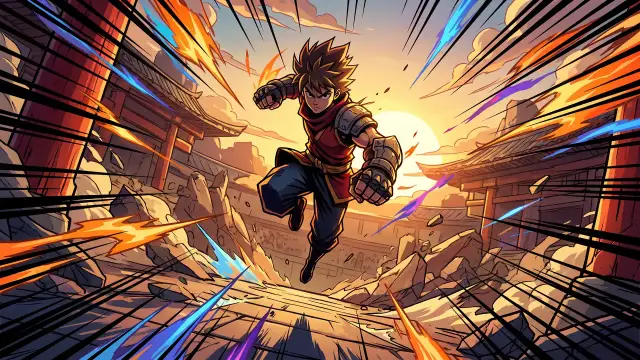
Cartoon thumbnail for an anime-style fighting arena

Fighting thumbnail, cartoon style: an anime-style fighting arena

Fighting, cartoon

“an anime-style fighting arena”
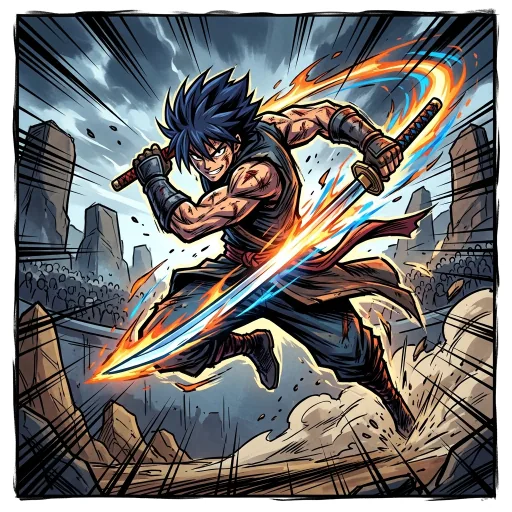
Matching 512 pixel game icon for an anime-style fighting arena
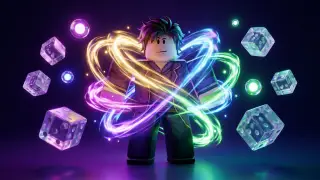
Rendered thumbnail for an aura rolling RNG game with glowing rarity auras

RNG thumbnail, render style: an aura rolling RNG game with glowing rarity auras

RNG, render

“an aura rolling RNG game with glowing rarity auras”

Matching 512 pixel game icon for an aura rolling RNG game with glowing rarity auras
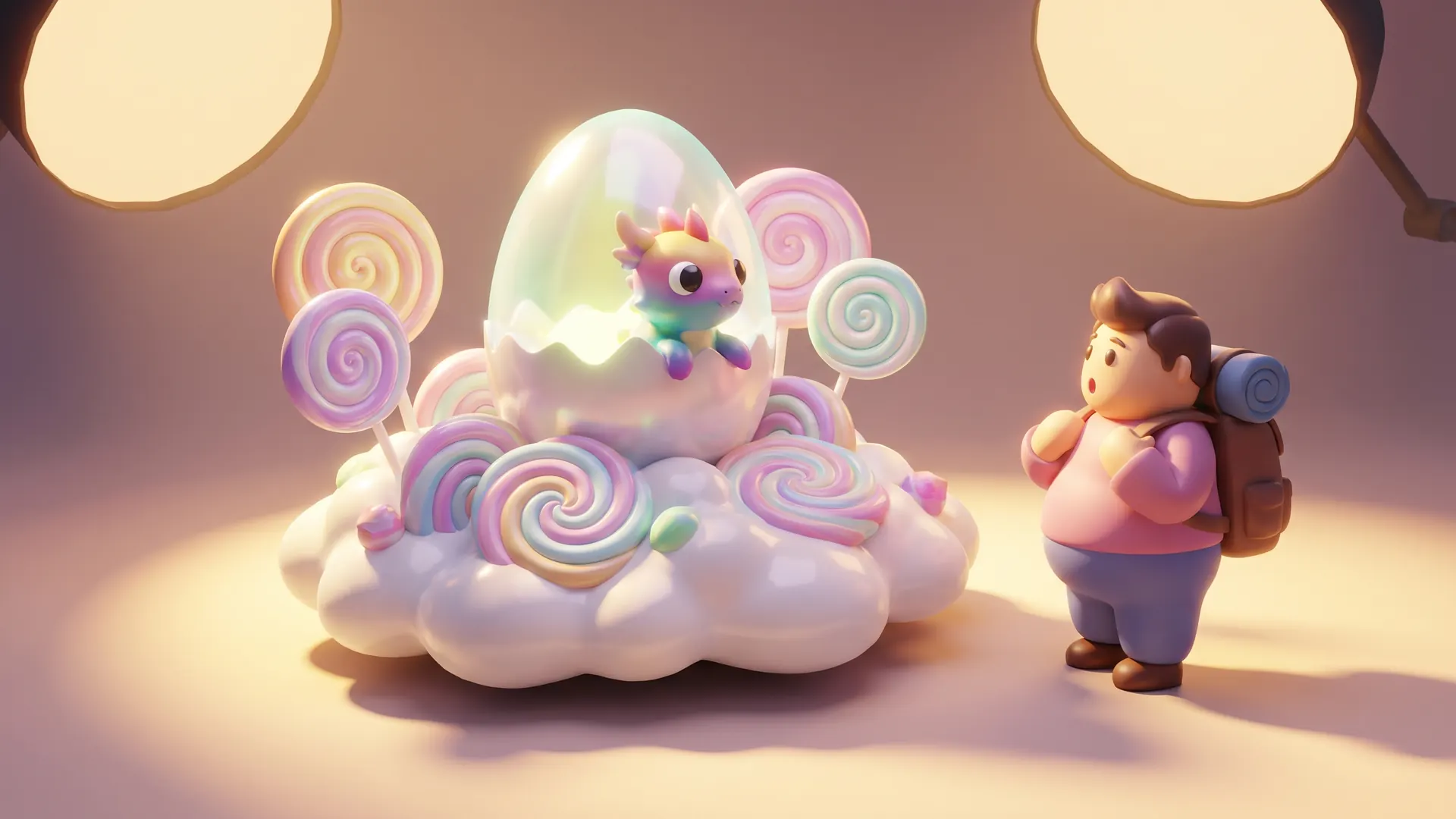
Rendered thumbnail for a pet hatching simulator on candy islands

Simulator thumbnail, render style: a pet hatching simulator on candy islands

Simulator, render

“a pet hatching simulator on candy islands”
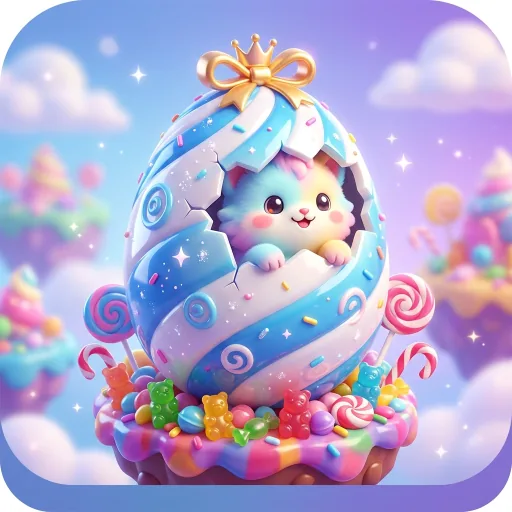
Matching 512 pixel game icon for a pet hatching simulator on candy islands
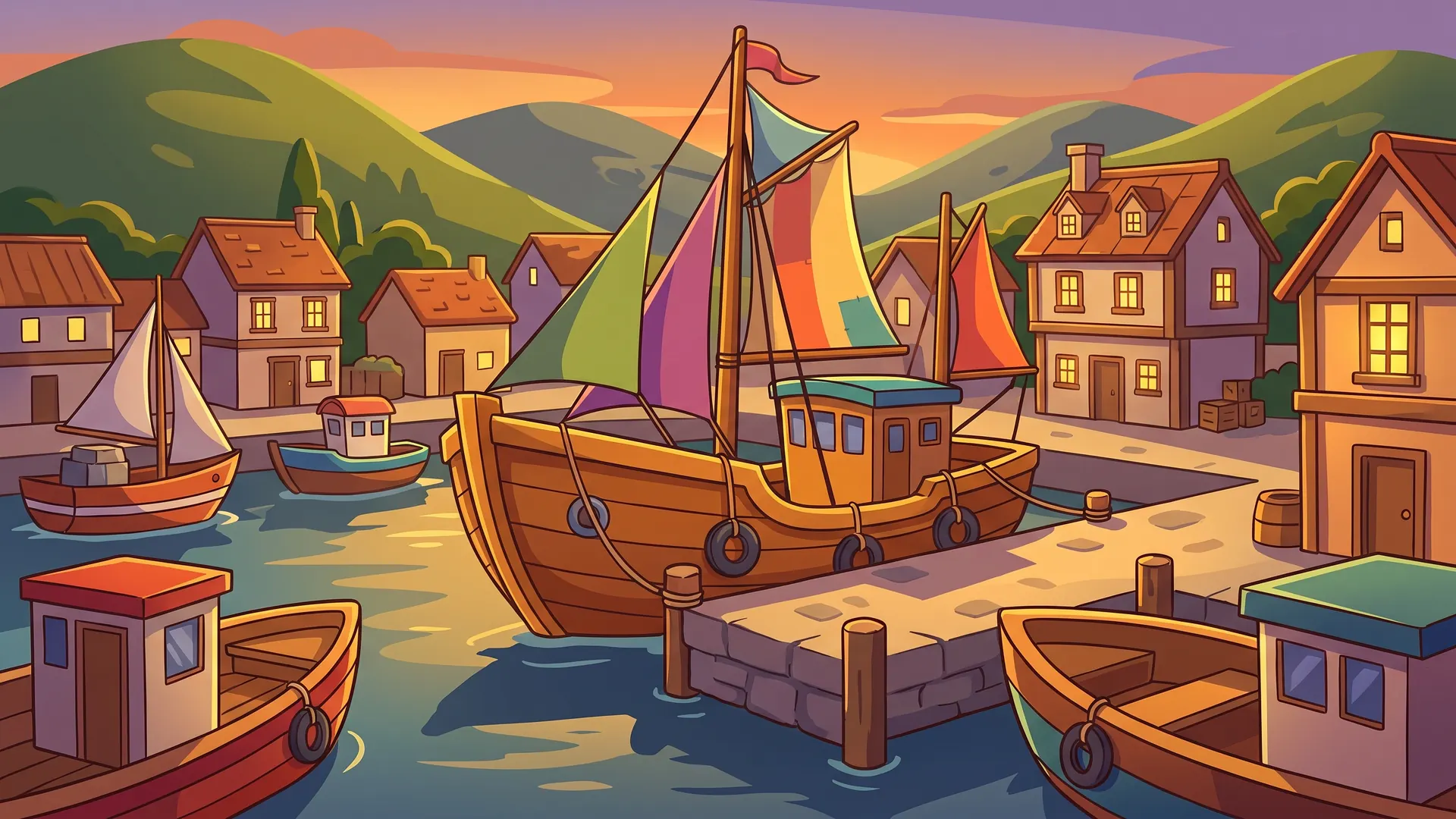
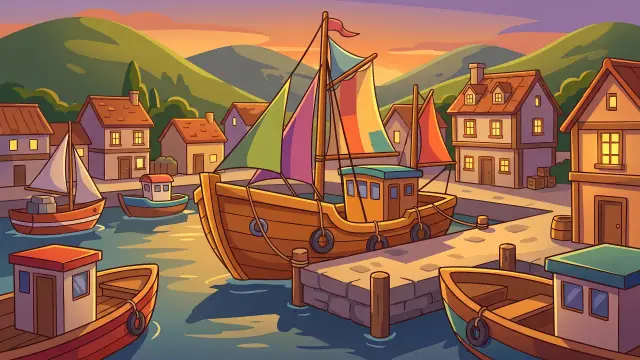
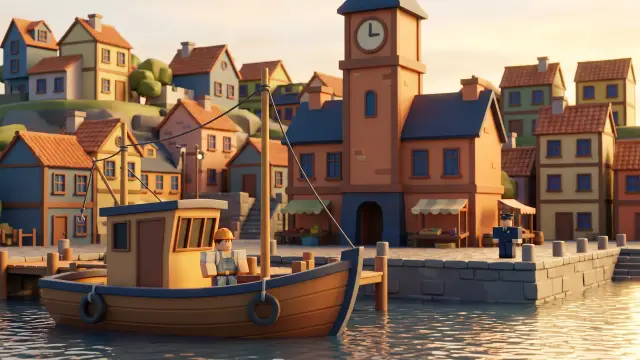
Cartoon thumbnail for a harbour town roleplay with boats and houses

Roleplay thumbnail, cartoon style: a harbour town roleplay with boats and houses

Roleplay, cartoon

“a harbour town roleplay with boats and houses”
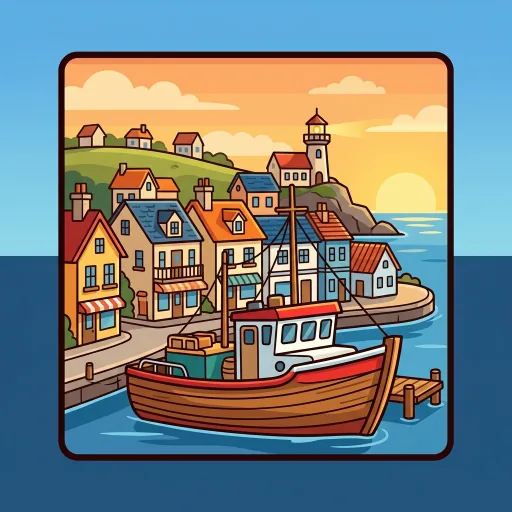
Matching 512 pixel game icon for a harbour town roleplay with boats and houses
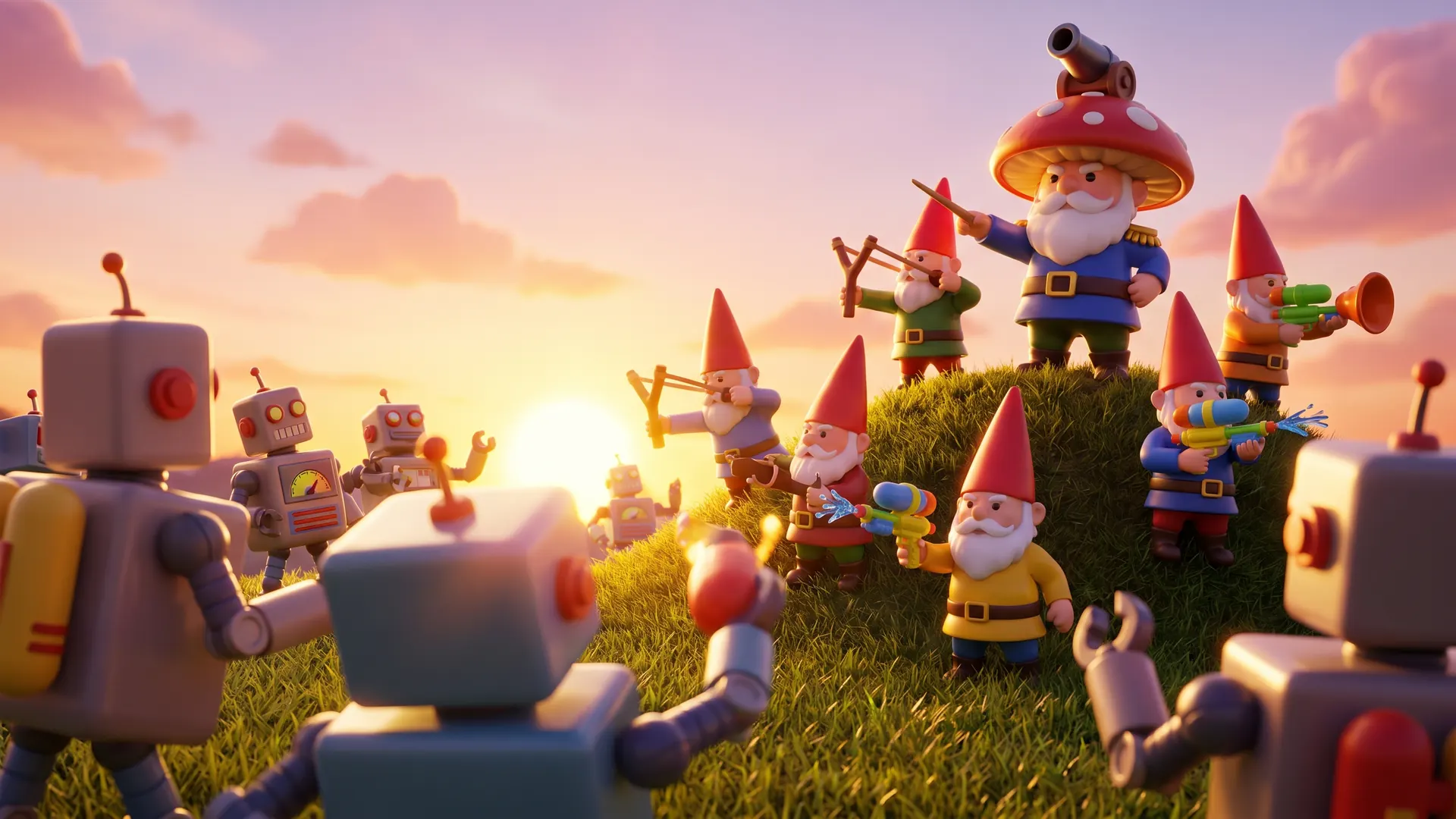
Rendered thumbnail for garden gnomes defending a lawn from robots

Tower defense thumbnail, render style: garden gnomes defending a lawn from robots

Tower defense, render

“garden gnomes defending a lawn from robots”
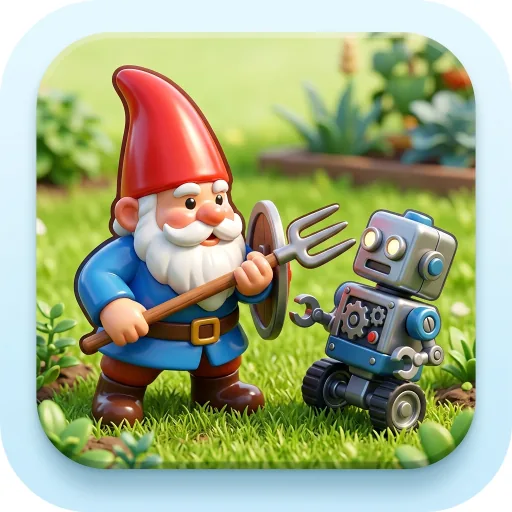
Matching 512 pixel game icon for garden gnomes defending a lawn from robots
Rendered thumbnail for a survive-the-night horror game in an abandoned hospital

Horror thumbnail, render style: a survive-the-night horror game in an abandoned hospital

Horror, render

“a survive-the-night horror game in an abandoned hospital”
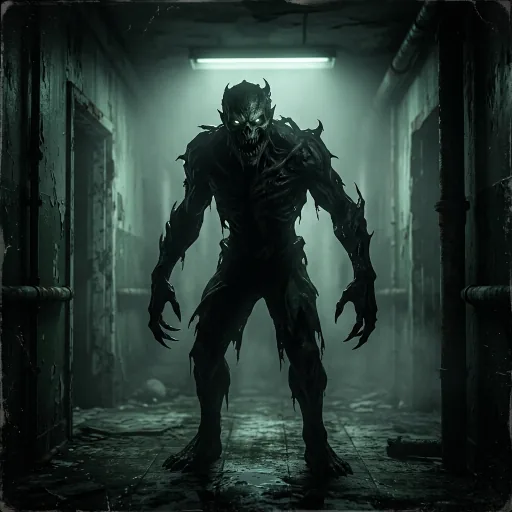
Matching 512 pixel game icon for a survive-the-night horror game in an abandoned hospital
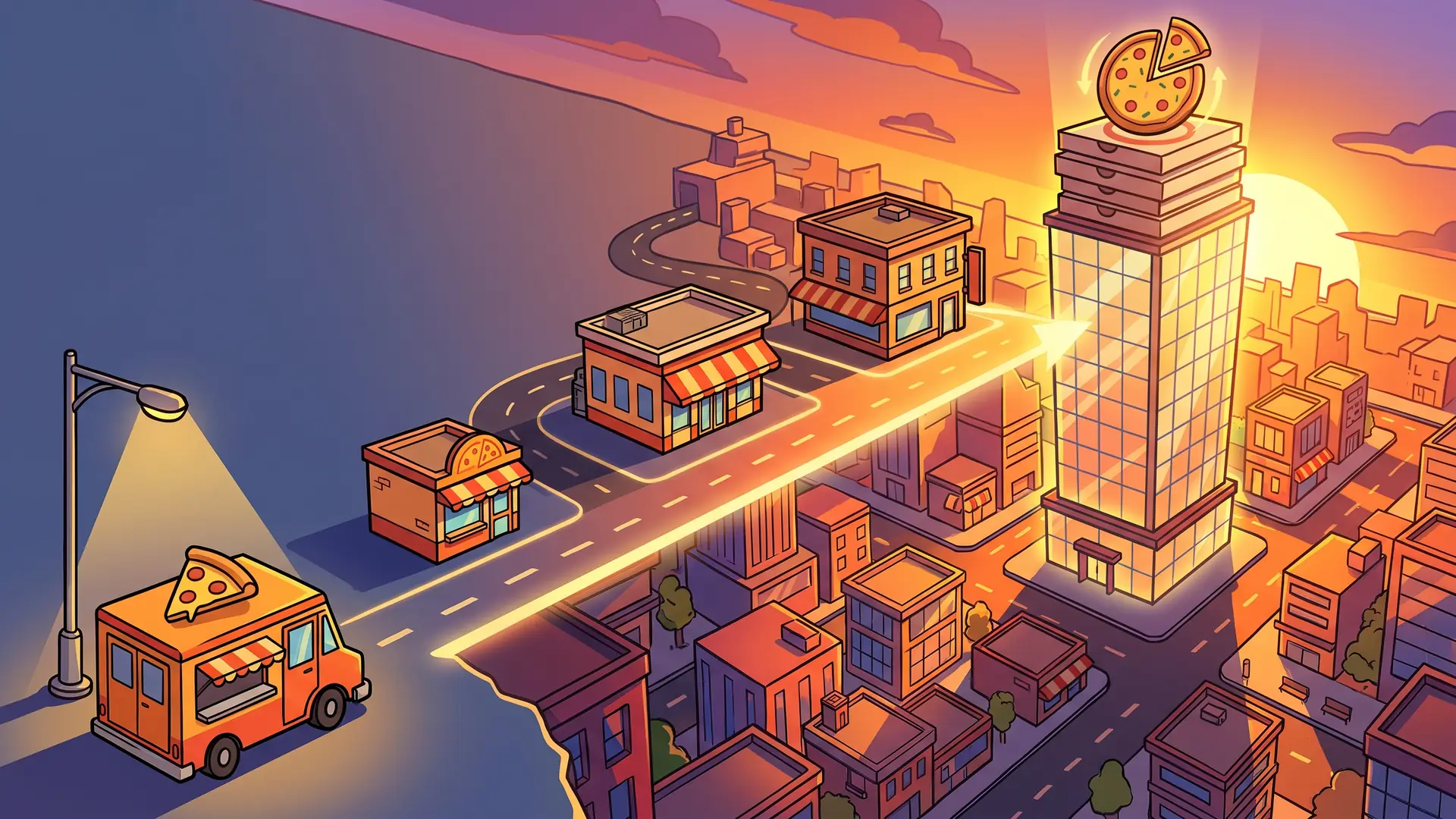
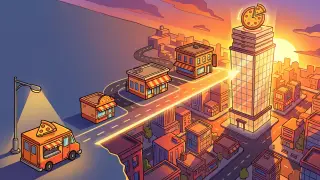
Cartoon thumbnail for a pizzeria tycoon where you expand from a food truck to a skyscraper

Tycoon thumbnail, cartoon style: a pizzeria tycoon where you expand from a food truck to a skyscraper

Tycoon, cartoon

“a pizzeria tycoon where you expand from a food truck to a skyscraper”

Matching 512 pixel game icon for a pizzeria tycoon where you expand from a food truck to a skyscraper
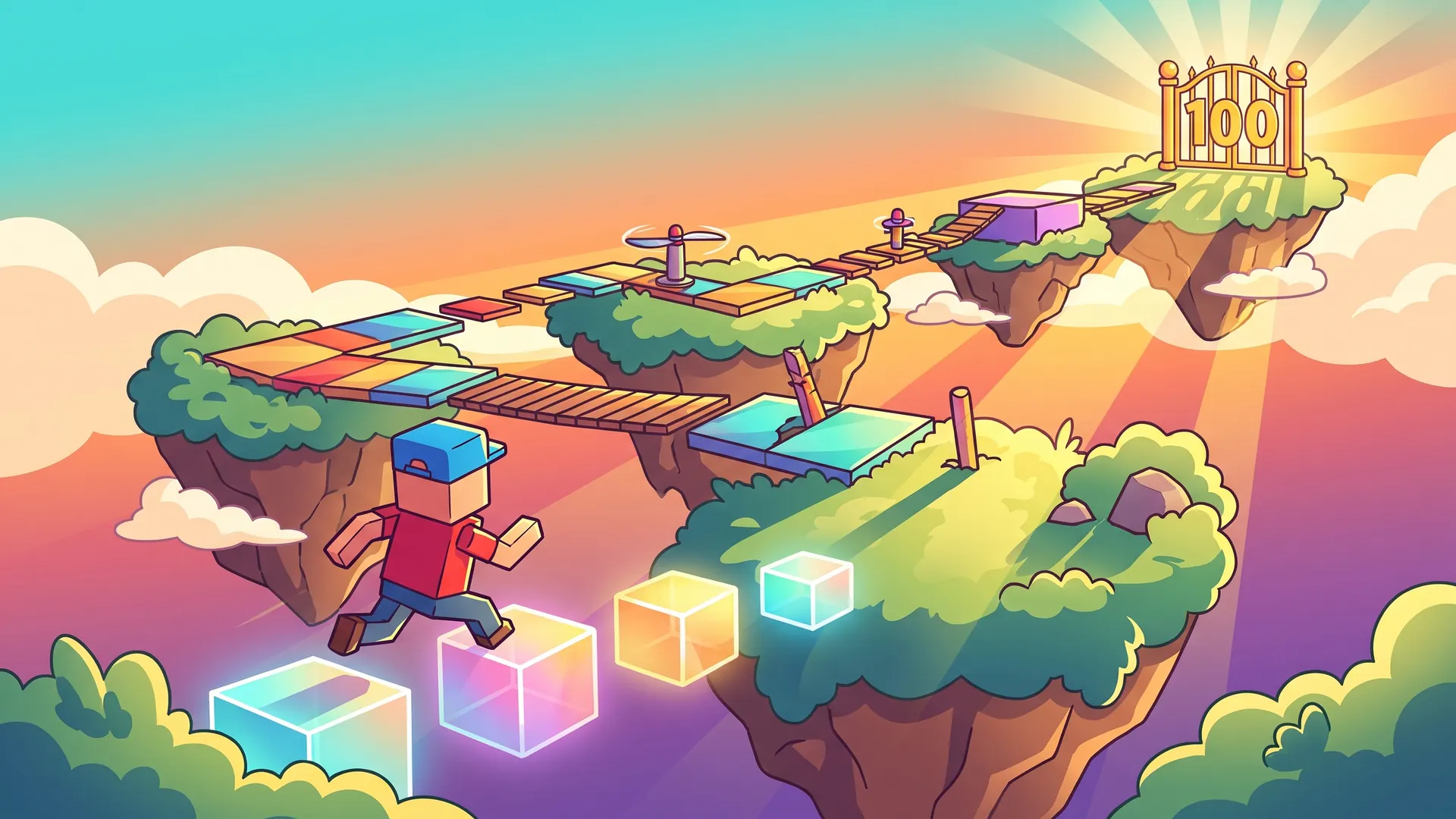
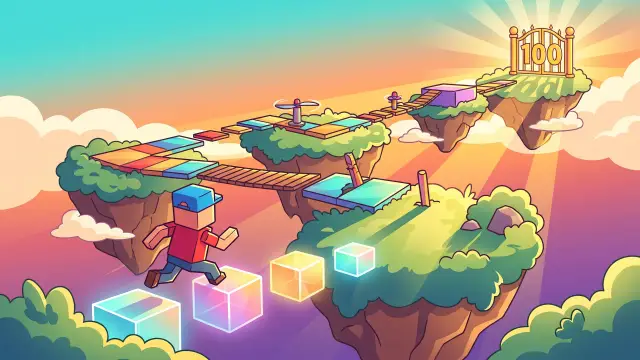
Cartoon thumbnail for a 100 stage obby on floating sky islands

Obby thumbnail, cartoon style: a 100 stage obby on floating sky islands

Obby, cartoon

“a 100 stage obby on floating sky islands”
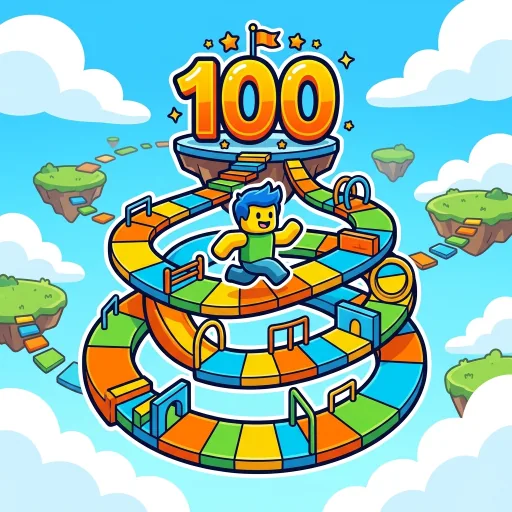
Matching 512 pixel game icon for a 100 stage obby on floating sky islands

When it does not work

  • There is no title on the image, so a thumbnail is not finished until you add one yourself.
  • The look is closer to game key art than to Roblox's own blocky style. For a very blocky game, say so in the style note and expect to try more than once.
  • Hands, faces and small props can come out distorted, especially in the cartoon style. Zoom in before you publish.
  • The icon is generated on its own, so it shares a subject with the thumbnail but not always the same pose or colours.

Questions

What sizes do I get?

A thumbnail is 1920 by 1080 pixels, the 16:9 shape an experience page uses. The game icon is a separate square image at 512 by 512.

Does the thumbnail include my game title?

No. The prompt asks the model for no text at all, because image models misspell words often. You add the title in any image editor, in the band we describe above.

What does a thumbnail cost?

A thumbnail is 80 credits and a game icon is 40. The price shows next to each item before you press generate.

Can I get a different version?

Generate the item again for a new take. Each run is its own image with its own price; there is no bundle of repeat tries.

What happens if it fails?

You are not charged for a failed run: the credits return to your balance on their own and the board says so.

Are my images private?

Yes. Only your browser session or account can open them, and you can ask for them to be deleted.

Sizes, and the same thumbnail at three card widths

The quickest honest test is to shrink the picture. Below is one of our runs (a pizzeria tycoon where you expand from a food truck to a skyscraper) at 320, 168, 112 pixels wide. Cover everything but the thumbnail with your hand and ask what the game is about. If the answer is still “a pizza tycoon” at 112 pixels, the composition is working.

FileSizeShapeCredits
Thumbnail1920 × 1080 px16:9, wide80
Game icon512 × 512 px1:1, square40
Tycoon thumbnail shown 320 pixels wide
320 px wide
Tycoon thumbnail shown 168 pixels wide
168 px wide
Tycoon thumbnail shown 112 pixels wide
112 px wide

Four things that would cost clicks in our own thumbnails

  • Studio props in the frame. In the candy-pets render, two round studio lights appear at the top corners, because the style note said “soft studio lighting”. Say what you want lit, not the lights.
  • Small subjects vanish at card size. In the sky-obby cartoon the 100 gate that gives the game its name is a small detail far up the picture. It reads at full size and disappears at 112 pixels, so put the one thing that matters in the front.
  • The calm band is not always where you need it. The pizza-empire cartoon leaves an empty sunlit area on the left that suits a title; the arena-fists picture is busy everywhere. Look for a place for the title before you generate again.
  • Stand-in characters. The aura-roll render shows a blocky character, which is the model's guess at Roblox, not a character from your game.

Render, cartoon, or a hand-made GFX

Roblox developers call a 3D-rendered picture of a character in a scene a GFX. A person makes one in a 3D program: they pose the character, light the scene and render it. We do not do that. What we make is an image from a description, in one of two styles, and across the 8 runs on this page that was 4 render-style and 4 cartoon-style thumbnails.

Render styleCartoon styleHand-made GFX
LookLit 3D scene with depthIllustration with bold outlinesYour own character, posed and lit
Your avatar in itNo, a stand-in character at mostNoYes
EffortA sentence, then a reviewA sentence, then a reviewA 3D program and your time, or a commission
Best forToy-like and glossy gamesAction, adventure, flat-colour gamesA thumbnail built around one specific character

If the thumbnail has to show your own avatar or a character you already own, a hand-made GFX is the right tool. If it has to show the world of the game, a generated one gets you a first version quickly.

One game, two styles, side by side

For 4 of our games we generated a second thumbnail in the render style, from the same description as the cartoon one. The subject stays the same; what changes is depth, lighting and how much of the frame is empty. Both are 1920 by 1080 and each costs 80 credits.
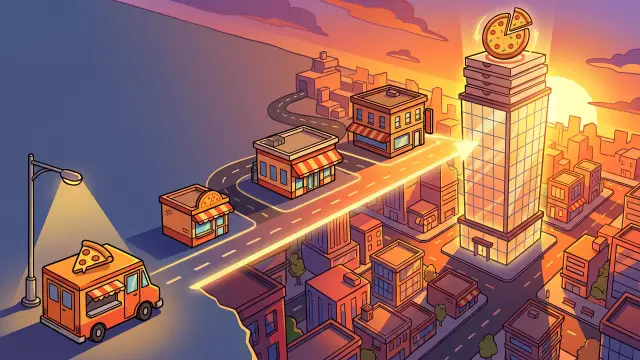
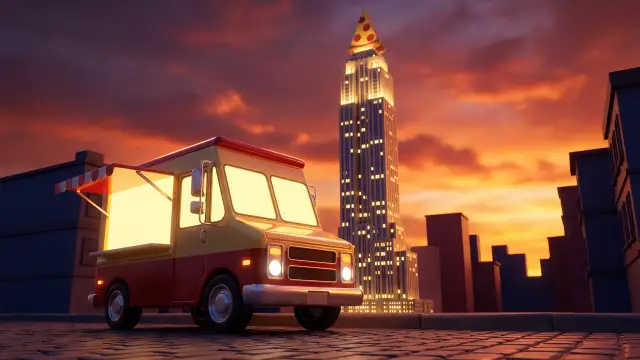
Cartoon thumbnail for a pizzeria tycoon where you expand from a food truck to a skyscraperRender thumbnail for a pizzeria tycoon where you expand from a food truck to a skyscraper
Tycoon: cartoon on the left, render on the right. “a pizzeria tycoon where you expand from a food truck to a skyscraper” Render run on 2026-10-20.
Cartoon thumbnail for a 100 stage obby on floating sky islandsRender thumbnail for a 100 stage obby on floating sky islands
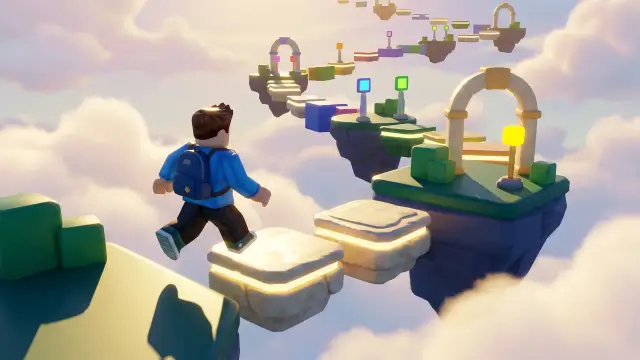
Obby: cartoon on the left, render on the right. “a 100 stage obby on floating sky islands” Render run on 2026-10-20.
Cartoon thumbnail for a harbour town roleplay with boats and housesRender thumbnail for a harbour town roleplay with jobs, houses and boats
Roleplay: cartoon on the left, render on the right. “a harbour town roleplay with jobs, houses and boats” Render run on 2026-10-20.
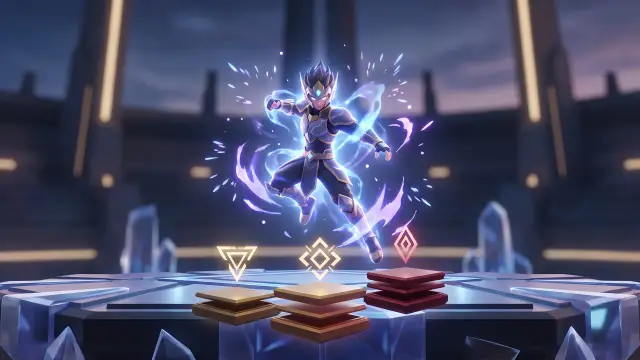
Cartoon thumbnail for an anime-style fighting arenaRender thumbnail for an anime-style fighting arena with skills and ranks
Fighting: cartoon on the left, render on the right. “an anime-style fighting arena with skills and ranks” Render run on 2026-10-20.

From the file to your experience page

You get two image files per game: the 1920 by 1080 thumbnail and a separate 512 by 512 icon. Neither has lettering on it, so there is one step between the download and the upload.

  1. Add the title. Open the thumbnail in any image editor and set your game's name in the calm band of the picture. Keep it to a few big words; at card size small print is lost.
  2. Export at the same size. Save at 1920 by 1080 so the 16:9 shape is untouched. Do not crop to a square; the icon is the square one.
  3. Open the Creator Hub. Go to create.roblox.com, open Creations, pick your experience and open its settings. The icon and the thumbnails sit in the media settings of the experience.
  4. Upload the icon and the thumbnail. Roblox checks each image before it shows, so allow some minutes before you look for it on the live page.
  5. Look at it where players do. Search for your game from a phone and from a laptop. If the subject is not obvious at a glance, go back and generate another take.

What a thumbnail and an icon cost

A thumbnail is 80 credits, about $0.40 to $0.80 depending on the pack you buy, and a game icon is 40 credits, about $0.20 to $0.40. A failed run is refunded to your balance and credits never expire. The packs are on the pricing page. For the interface of the same game see the Roblox GUI maker.

Other tools

Need the interface too? See the Roblox GUI maker. Packs are on the pricing page.

Make the click worth it

One sentence about the game, one image built around its subject, judged at card size.

Make my thumbnail