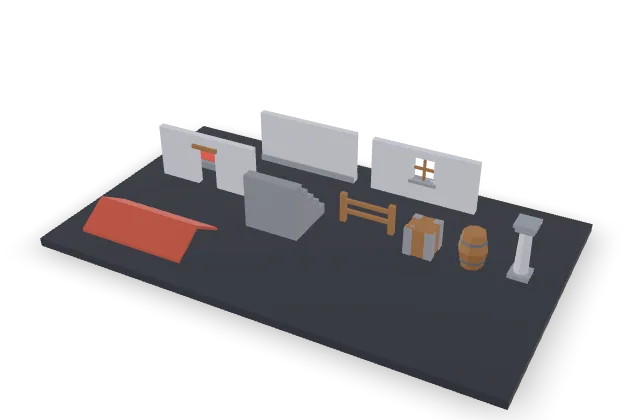
Medieval
Palette stone, cell 8 studs, walls 2 cells long, 5 steps. 468 triangles in all.
Pick a theme, a palette and a grid. The walls, doors, stairs, fences, crates and barrels appear in 3D in your browser, and one download gives you every piece as GLB, FBX, OBJ and STL.
10 pieces, 468 triangles in all. Cell 8 studs.
First kit half price. About $0.50. The preview costs nothing and stays in your browser.
Credit packs from $4.99 · pay once, no subscription · credits never expire
Each card is a kit we generated on 2026-10-27 with the default settings of its theme: the same code that runs in the maker above and builds the paid download. The picture is the preview model, all pieces merged on a plinth, and the button turns it in 3D. The kits have 468 to 468 triangles in total.
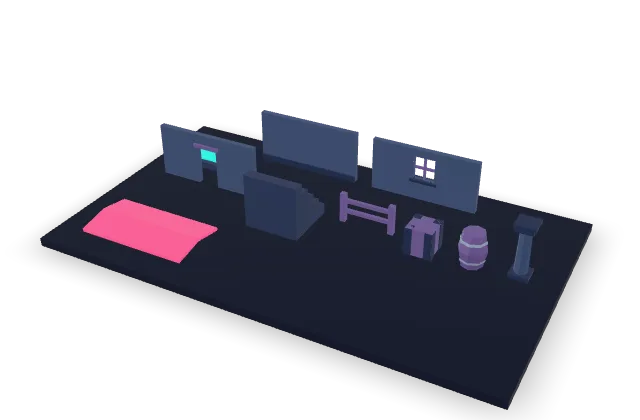
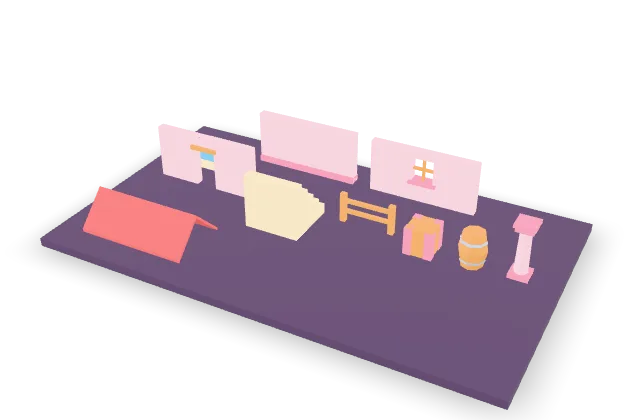
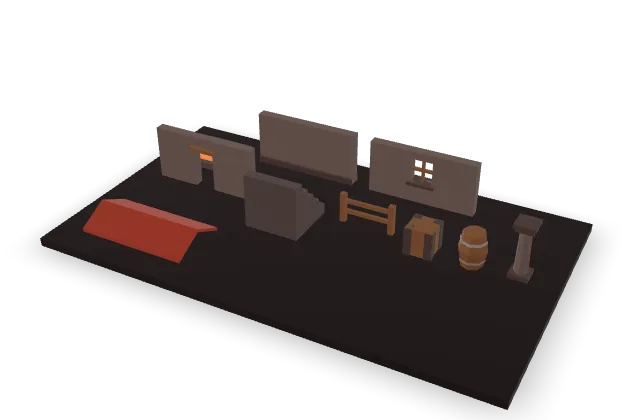
These are the real counts of the medieval sample kit with 5 steps. Themes change colours, the roof pitch and the wall thickness, not the triangle count.
| Piece | Triangles | What it is |
|---|---|---|
| Floor tile | 24 | A square tile one cell wide with a raised inlay |
| Wall | 24 | One cell high, one to three cells long, with a plinth |
| Wall with window | 68 | A wall with a framed opening, a sill and a cross bar |
| Wall with door | 40 | A wall with a doorway to the floor and a lintel |
| Stairs | 44 | One cell square and one cell high, climbing along z |
| Fence | 48 | Two posts and two rails, one cell long |
| Crate | 60 | Half a cell on each side, with corner boards |
| Barrel | 76 | Eight sides, a belly and two metal hoops |
| Pillar | 64 | Eight-sided shaft with a base and a two-part cap |
| Roof | 20 | A gable roof over a wall run, resting on y 0 |
A low poly 3D model keeps the shape and drops the detail: flat faces, few triangles, colour from a small palette instead of a painted texture. That keeps a scene light and gives a clear look. Building a whole town from hand-made low poly models means fitting every piece by eye. A modular kit removes the fitting: every piece is cut to a grid, so a wall, a door and a corner meet with no gap when you place them on multiples of the cell size.
Every piece stands on y 0 with its pivot at the centre of its base. A wall is one cell high and sits on the edge of a cell, so two walls placed one cell apart share an edge and a wall run needs no corner fix. Floors and stairs are one cell square. Because the pivot is always the base centre, rotating a wall by 90 degrees turns it in place.
The colours come from one texture of eight pixels. Every face points its UV at one of those pixels, so the model needs no painted texture, and changing the look of the whole kit means changing eight pixels. The same texture is in the FBX and OBJ files, so the colours match in every format.
| File | What it is | Use it for |
|---|---|---|
| kit.glb | All pieces laid out in rows, one named node per piece | Seeing the whole kit at once, Godot scenes |
| pieces/*.glb | One GLB per piece, pivot at the base centre | Placing single pieces in a scene |
| fbx/*.fbx | One FBX per piece with the palette texture | Roblox Studio and Unity |
| obj/*.obj, *.mtl, palette.png | One OBJ and material per piece, one shared texture | Blender and most other tools |
| stl/*.stl | One binary STL per piece, no colour | 3D printing and collision meshes |
| kit.json, README.txt | Triangle counts, sizes, file names and the grid rules | Scripts that place the pieces |
The ZIP is an asset kit, not a finished game: it has models and a manifest, no scripts and no engine project. If the same game needs a thumbnail or a game icon, the Roblox thumbnail maker and the Roblox icon maker make them, and the Roblox GUI generator makes the interface.
Importers differ between engine versions, so bring in one piece first and check its scale before the whole kit. Choose the unit before you build: studs for Roblox, meters for most other engines.
With the studs unit, one file unit is one stud. Import the FBX or OBJ with the importer's Scale Unit left on Studs, and a wall set to a cell of 8 studs comes in 8 studs high. Place pieces on multiples of the cell size and they line up.
Unity reads the FBX files directly. Godot reads the GLB files and shows them as scenes with one palette material. With the meters unit, one unit is one meter in both. A pivot at the base centre means a piece placed at y 0 stands on the ground.
The crate, the barrel, the fence and the pillar are low poly props you can scatter through a scene. At 48 to 76 triangles each they are far under the 3,000 triangles we allow a single prop, so a whole village of them stays cheap to draw.
Walls, a door, a window, stairs, a floor and a roof make a low poly building with nothing else: floors on the grid, walls on the cell edges, a roof over a wall run. As a modular building kit it is small on purpose, ten pieces that cover the shell of a house, a tower or a corridor.
A character is not a grid, so it does not come from this kit. For low poly character models, and for single props such as a chest or a sword, use the 3D props in the home page gallery: you describe the model, and it comes back as a GLB with the real triangle count shown. For a 2D character, the sprite sheet generator makes animated sprite sheets.
The kit is generated by code, not drawn by a model, so we can check it the way code is checked. On 2026-10-27 our tests built every piece at every step count from 3 to 8 and checked these things:
We have not yet opened the files in every engine. What we checked is the geometry and the file structure, and that the FBX and OBJ carry the palette texture.
The preview costs nothing and stays in your browser, so you can change everything and read every triangle count first. The download is 80 credits, about $0.40 to $0.80 depending on the pack you buy, and your first kit is half price, 40 credits. The price is on the button before you press it. If your balance is short, or you have not bought credits yet, a window on this page offers one credit pack, and the download starts by itself once you have paid. See the pricing page for every pack. Credits never expire.
A modular building kit is a small set of pieces that are cut to a grid, so they fit together with no gaps and no hand fitting. This one has 10 pieces: a floor tile, a wall, a wall with a window, a wall with a door, stairs, a fence, a crate, a barrel, a pillar and a roof. Walls are one grid cell high and one to three cells long, and they stand on the edge of a cell, so you place them on multiples of the cell size and they meet. Every piece has its pivot at the centre of its base, which makes placing and rotating predictable in any engine.
You download one ZIP. It holds a GLB of the whole kit laid out in rows, and a GLB, an FBX and an OBJ for every piece, with one shared palette texture, so the colours match in every format. Each piece is also written as a binary STL, which has no colour but suits 3D printing and collision meshes. A kit.json file lists the triangle count, the size and the file names of every piece, and a short README repeats the grid rules. The preview you see on this page is one merged model on a plinth, made only for looking at; the pieces with their own pivots are in the download.
For Roblox, choose the studs unit when you make the kit: one file unit is then one stud, so keep the Scale Unit of the Studio importer on Studs and the pieces come in at the size you set. In Unity, drop the FBX files into the project. In Godot, drop the GLB files in and they import as scenes with the palette material. For meters, choose the meters unit and one unit is one meter. Importers differ between engine versions, so check your first piece, then place the rest on multiples of the cell size.
Very few, by design. A wall is 24 triangles, a wall with a window 68, a wall with a door 40, a crate 60 and a barrel 76, and stairs cost 8 triangles per step plus 4. The sample kits on this page come to between 468 and 468 triangles in total for all 10 pieces. That is far under the 3,000 triangles we allow a single prop, so you can place hundreds of pieces. The exact count of every piece is shown next to its name in the maker before you pay, and again in kit.json in the download.
No. This tool makes buildings and props from fixed pieces on a grid, and a character is not a grid. For a low poly character model, or any other single low poly prop, use the 3D prop flow in the home page gallery: you describe the model, we draw it and turn it into a GLB with the real triangle count shown, kept under 3,000 triangles for a prop. It is a different process with a different price, and the result is one model, not a kit. If you need a character that moves, the sprite sheet generator makes 2D animated characters instead.
You pay only for the download: the preview is built in your browser, you can turn it, change the theme, the palette, the grid and the pieces, and read every triangle count before you pay. The download costs 80 credits, which is about $0.40 to $0.80 depending on the pack you buy, and your first kit is half price, 40 credits. If you do not have enough credits when you press the button, a window opens on this page with a credit pack, and the download starts by itself after you pay. Credits never expire and there is no subscription.