Roblox UI design

Describe your game and get its interface as one matching set: bars, buttons, frames and pop-ups in a single style, as transparent PNGs.

Credit packs from $4.99 · pay once, no subscription · credits never expire
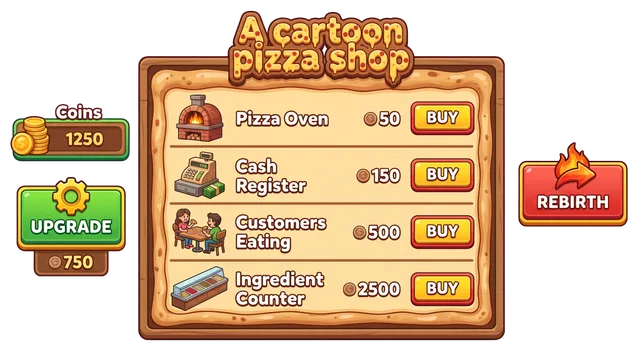
  • Themed shop screen preview for a pizza shop tycoon: the shop window, buy buttons and counters drawn in the game's own look, with transparent edges. Output of a spawnpop test run dated 2026-10-21.
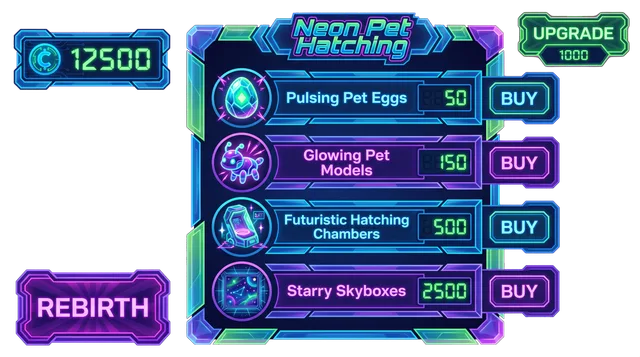
  • Themed shop screen preview for a neon pet hatching simulator: the shop window, buy buttons and counters drawn in the game's own look, with transparent edges. Output of a spawnpop test run dated 2026-10-21.
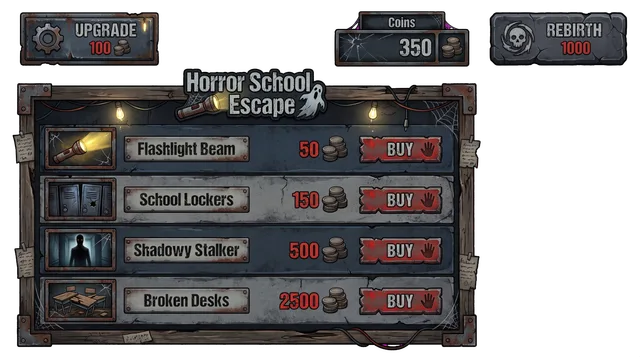
  • Themed shop screen preview for a horror school escape game: the shop window, buy buttons and counters drawn in the game's own look, with transparent edges. Output of a spawnpop test run dated 2026-10-21.
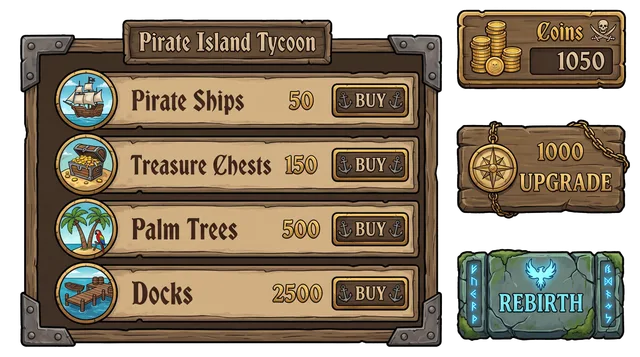
  • Themed shop screen preview for a pirate island tycoon: the shop window, buy buttons and counters drawn in the game's own look, with transparent edges. Output of a spawnpop test run dated 2026-10-21.

Three games, three UI styles, as they came out

Each card is a real run of the kit generator, made on 2026-10-19 from one sentence about a game. Nothing was redrawn. The same generator gave a comic-book look for a fighting arena, rust and grime for a horror game and neon glass for an RNG game; click a sheet to enlarge it.

Full UI sheet for an anime-style fighting arena with skills and ranks

Fighting UI kit sheet: an anime-style fighting arena with skills and ranks

Fighting

Style note: sharp comic-book UI, bold red and black with speed lines. 8 pieces.

Full UI sheet for a survive-the-night horror game in an abandoned hospital

Horror UI kit sheet: a survive-the-night horror game in an abandoned hospital

Horror

Style note: gritty grunge UI, rusted metal frames, dim red accents. 7 pieces.

Full UI sheet for an aura rolling RNG game with rarity tiers up to secret

RNG UI kit sheet: an aura rolling RNG game with rarity tiers up to secret

RNG

Style note: dark glassy UI with neon gradients and gold trim. 8 pieces.

One screen at a time: the pieces that fill it

A Roblox game is a handful of screens that share the same frames and buttons. This table groups pieces from the kits above by the screen they would sit on; each is cut out on a checkerboard so you can judge the edges.

ScreenPieces from our kits
Heads-up display
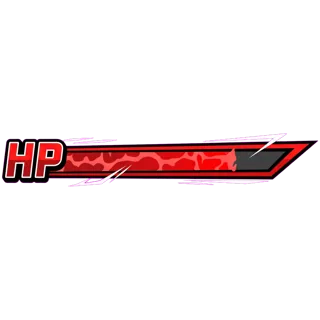
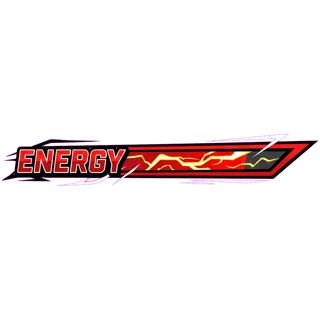
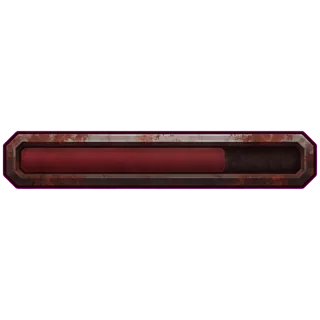
Health bar from the Fighting kit, 1024 pixelsEnergy bar from the Fighting kit, 1024 pixelsKill counter from the Fighting kit, 1024 pixelsSlim red bar from the Horror kit, 1024 pixels
Health bar, Energy bar, Kill counter, Slim red bar
Action buttons
Skill button with a fist from the Fighting kit, 1024 pixelsTorch button from the Horror kit, 1024 pixelsBUY button from the Tycoon kit, 1024 pixels
Skill button with a fist, Torch button, BUY button
Menu and settings
Menu button from the Fighting kit, 1024 pixelsSettings-style panel from the Horror kit, 1024 pixels
Menu button, Settings-style panel
Pop-up windows
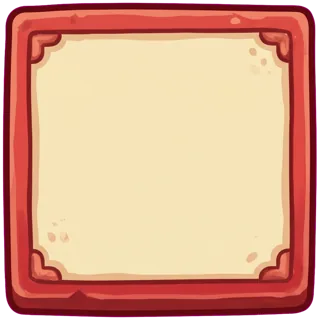
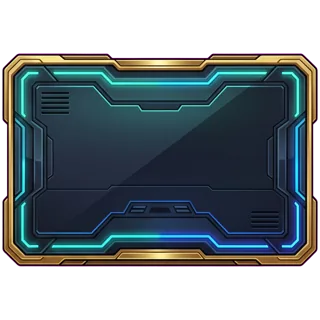
Cream window frame from the Tycoon kit, 1024 pixelsWide neon frame from the RNG kit, 1024 pixelsRound close button from the Tycoon kit, 512 pixels
Cream window frame, Wide neon frame, Round close button
Rank and status
Rank badge from the Fighting kit, 1024 pixelsRibbon banner from the RNG kit, 1024 pixels
Rank badge, Ribbon banner

Start from the player's job on each screen

Interface design starts from what the player is doing, not from the art. This is how we sort a game's interface before we look at a single piece; the guidance is ours, not a Roblox requirement.

Heads-up display.
Tells the player how they are doing while they play. Design for this: small, at the edges of the screen, readable at a glance; bars and counters only.
Action buttons.
Things the player presses mid-game: a skill, a torch, a rebirth. Design for this: big enough for a thumb, one clear symbol each, kept off the middle of the screen.
Menu and settings.
Lets the player leave the action to change something. Design for this: one entry button on the main screen, one panel behind it, the same close button every time.
Pop-up windows.
Rewards, warnings and confirmations that sit on top of the game. Design for this: a frame that can grow (9-slice), room inside for your own text, a close button in a corner.
Rank and status.
Shows progress the player is proud of. Design for this: one shape that reads at a glance: a badge or a ribbon, with the number added in a TextLabel.

Only the shop screen has its own page here. The Roblox shop GUI maker covers the window, the buy button and the item slots, with the Studio script that opens and closes it.

Lock three style decisions before you build a screen

  1. Corner shape. Sharp, rounded or chunky. Every frame, button and bar in the game uses the same one.
  2. Outline weight. A thick outline reads on a phone but looks heavy on a big monitor; pick one weight and keep it.
  3. Palette. Two or three colours plus one accent for the thing the player should press next.

One sentence about a genre moves all three at once. Here is what our 8 test kits came out in:

GameStyle the kit came out inPieces
Fightingsharp comic-book UI, bold red and black with speed lines8
RNGdark glassy UI with neon gradients and gold trim8
Simulatorglossy cartoon candy UI, thick pastel outlines8
Roleplayfriendly soft rounded UI, teal and sand palette8
Tower defensebright toy-like cartoon UI, rounded wooden frames9
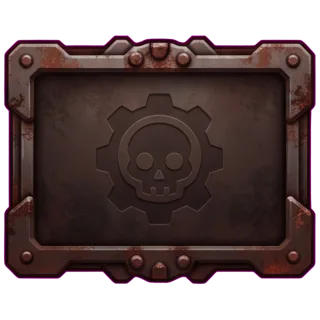
Horrorgritty grunge UI, rusted metal frames, dim red accents7
Tycoonwarm hand-painted cartoon UI, chunky buttons, cream and red palette8
Obbyclean flat sky-blue UI, white outlines, soft gradients7

If you already have a game, add a screenshot of it when you start: the kit then takes its colours and shapes from the screenshot instead of from the genre alone.

Faults to look for in a generated kit

We kept our kits as they came out, so these are real. Check for them before you import anything.

  • In 4 of our 8 kits the slicer cut more pieces than the brief asked for, 63 pieces in total. A decorative flourish can become its own PNG.
  • The neon RNG kit has the same round close button twice (pieces 6 and 7), and its tall meter (piece 4) has a bite out of its top-right corner.
  • Words drawn on a button, such as BUY, MENU or REBIRTH, can come out misspelled. Treat them as placeholders and put your own text on in Studio.
  • The pieces arrive named element-1, element-2 and so on. Rename them to what they are before you import.

Phone rules we apply to every screen

Many players are on phones, so test each screen at phone size before you ship. These are our rules, not Roblox requirements.

  • Buttons: at least about 44 pixels square on a phone; add a transparent hit area if the art is smaller.
  • Heads-up display: keep it to the edges so a thumb and the bars do not fight over the same spot.
  • Windows: size them in Scale with a UIAspectRatioConstraint, and leave a margin so they do not touch the screen edge.
  • Text: add it yourself in a TextLabel; do not rely on lettering drawn into the art.
  • Stretching: set ScaleType to Slice on frames that must grow, so the corners stay sharp.

The Studio steps from zip to a working ScreenGui are on the Roblox GUI generator page.

Where these examples came from

Method

The three sheets are the Fighting, Horror, RNG runs, each made once on 2026-10-19 from the one-sentence prompt printed on its card, and not regenerated for this page. The other kits in the table are from the same day. Of the 63 pieces cut from all 8 sheets, we picked the ones in the screen table by hand, going by their place on the sheet and checking each one against the sheet image. File sizes are read from the kit data, not typed in. We did not retouch a piece or redraw a frame. All of the kits are on the Roblox GUI generator page.

What people ask before designing a game interface

What does Roblox UI design cover?

Everything the player sees on top of the 3D world: the heads-up display (health, currency, progress), the menu, the shop, pop-up windows, buttons and the close button on each of them. The art is one part of it; where each piece sits and how it behaves on a phone is the other part.

Which screens should I design first?

Start with the heads-up display and the one screen your game earns money on, usually the shop. Menus, settings and pop-ups can reuse the same frames and buttons once the style is set.

Do I get working menus?

No. You get the artwork as transparent PNGs. Opening a window, charging for an item and saving a setting are scripts you write in Studio. The shop GUI page shows a script that opens and closes a window, and a reference example of a server-side purchase.

How many pieces are in a UI kit?

In our 8 test kits the slicer cut 7 to 9 pieces per kit. A GUI set is 200 credits including its finished screen, so the price does not change with the piece count.

Will the kit match the look of my game?

It follows the description you give. You can also add a screenshot of your game on the home page, and the kit then takes its colours and shapes from it. The result is a draft to review, not a guarantee.

Can I get a style that matches an artist I already work with?

Not exactly. A generated kit gets close to a description or a screenshot, but it will not copy one hand-made style stroke for stroke. If you need that, work with an artist.

What does it cost, and what if a generation fails?

A UI set is 200 credits, and a draft is 13 credits. Credits never expire and a failed generation is refunded automatically. Pack prices are on the pricing page.

Price of one kit, in credits

A UI set is 200 credits (a finished screen plus the cut pieces), about $1.00 to $2.00 depending on the pack you buy, and a draft costs 13 credits. The pieces are the same files you get when you make a Roblox GUI kit. Pack prices are on the pricing page, or let your AI agent make the kit.

Other tools

An interface that looks like your game

Describe the game once and get the bars, buttons and frames in one style.

Make my UI kit
NO SUBSCRIPTION NEEDED

Credits never expire. Pay once for the assets you need. Failed generations cost nothing.Failed = refunded

See prices